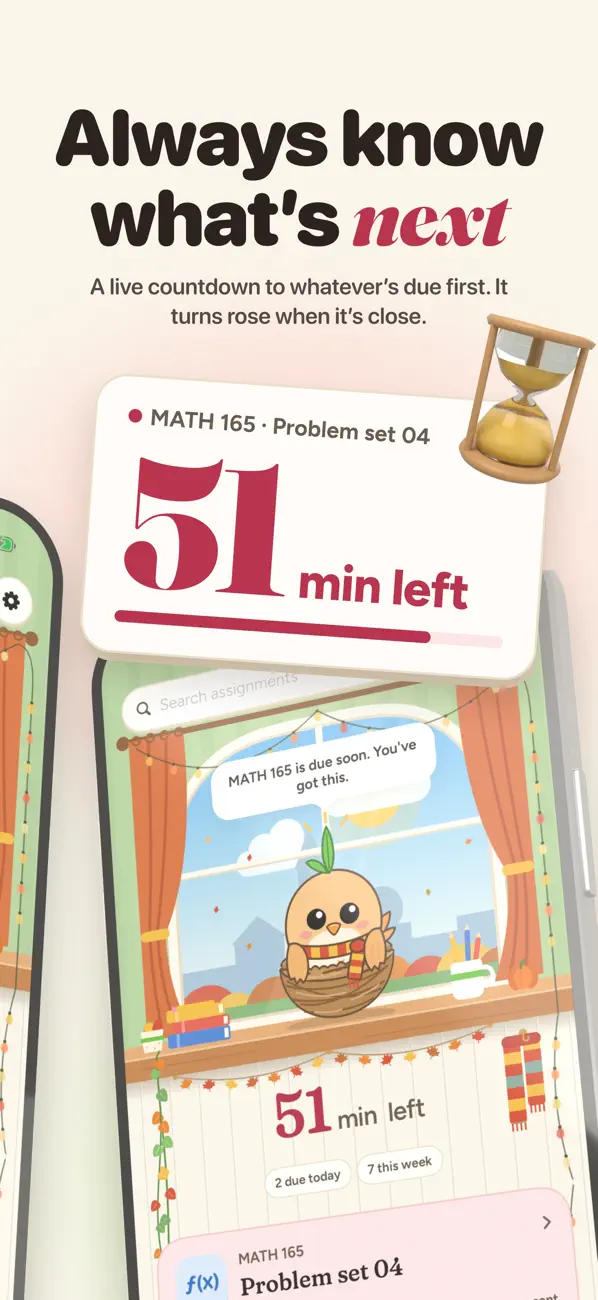
Always know what’s next
Home opens on a live countdown to whatever’s due first, and turns rose when it’s close.
Free on the App Store
Nudge: Assignment Reminders
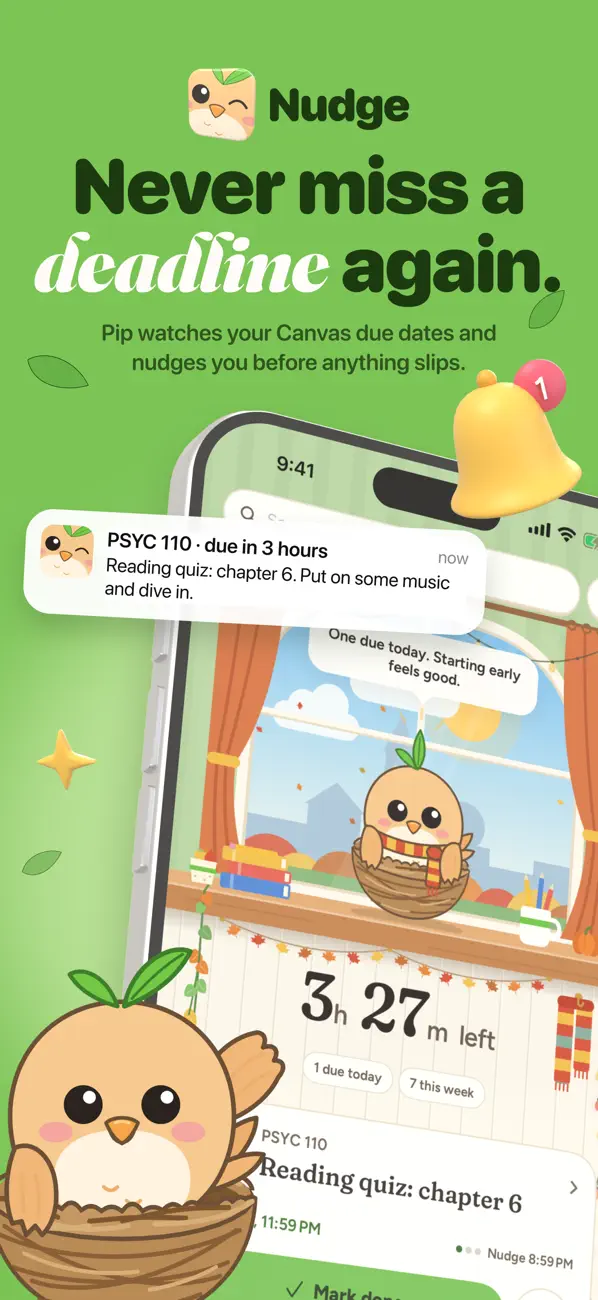
Nudge is a free iPhone and iPad app that brings every due date from your school’s platform into one list and reminds you before each deadline. Paste one private link from Canvas, Schoology, Blackboard, Brightspace, Moodle and more, and Pip, a small bird on your windowsill, nudges you early enough to actually do the work.
How Nudge works
Nudge never asks for your school password. It reads the same private calendar link your school gives you for Apple Calendar or Google Calendar.
Works with your school
Pick yours for a step-by-step guide to finding your calendar link. Google Classroom isn’t supported yet, but you can type any assignment in yourself.
Built for real school days
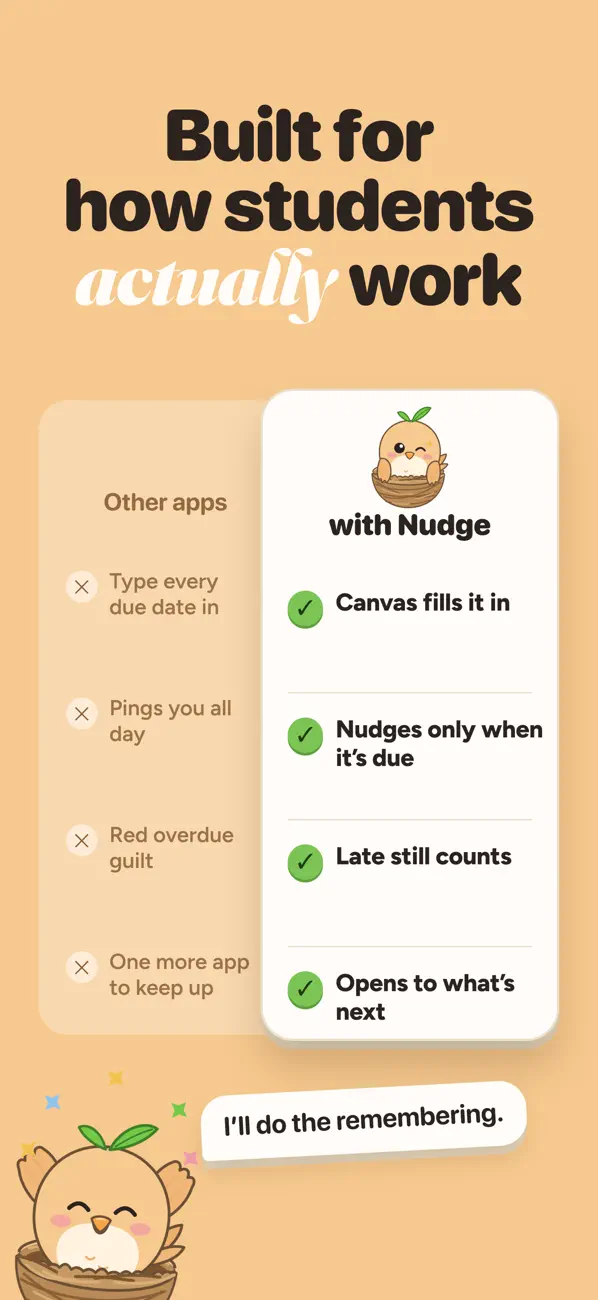
Nudge turns due dates into a few well-timed reminders, without asking you to keep up another complicated planner.
Home opens on a live countdown to whatever’s due first, and turns rose when it’s close.
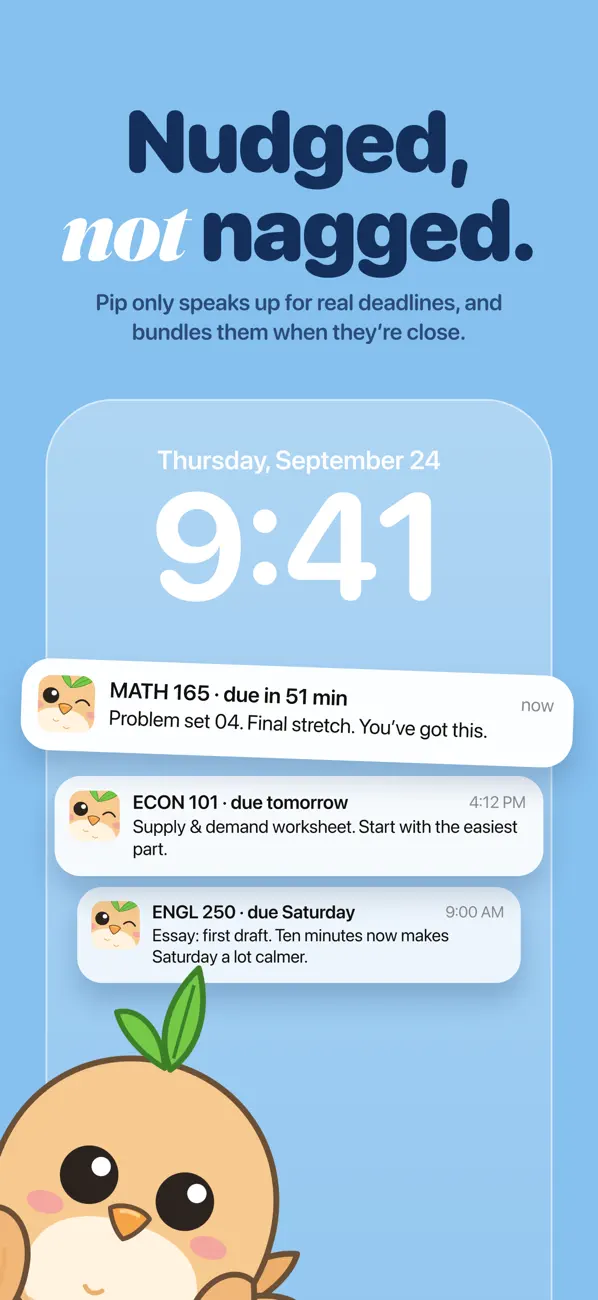
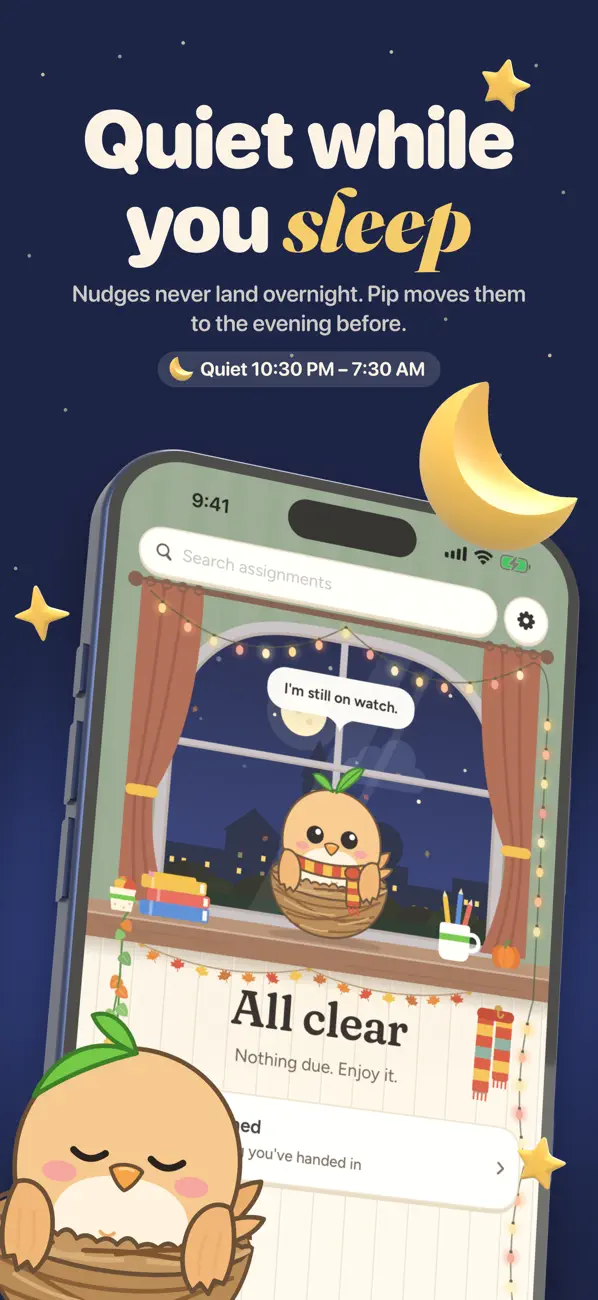
Nudges come only for real deadlines, things due together share one nudge, and nothing lands overnight. Pip moves those to the evening before.
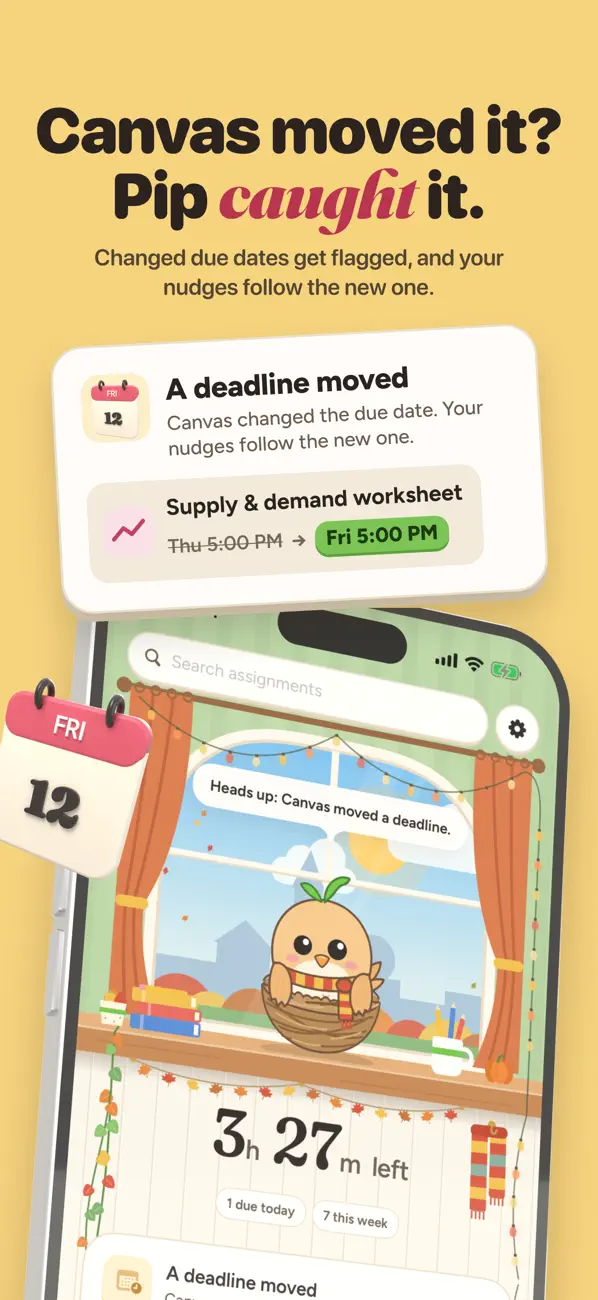
When a teacher changes a due date in Canvas or anywhere else, Nudge flags it and your reminders follow the new date.
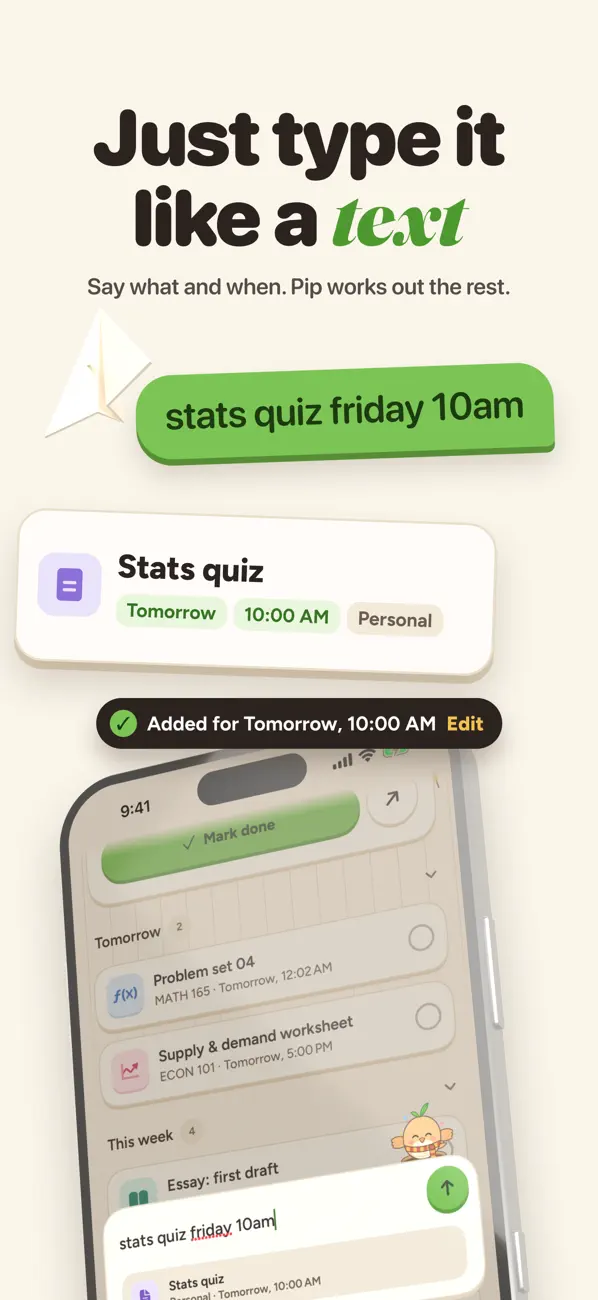
“stats quiz friday 10am” is a complete entry. No date pickers, no forms.
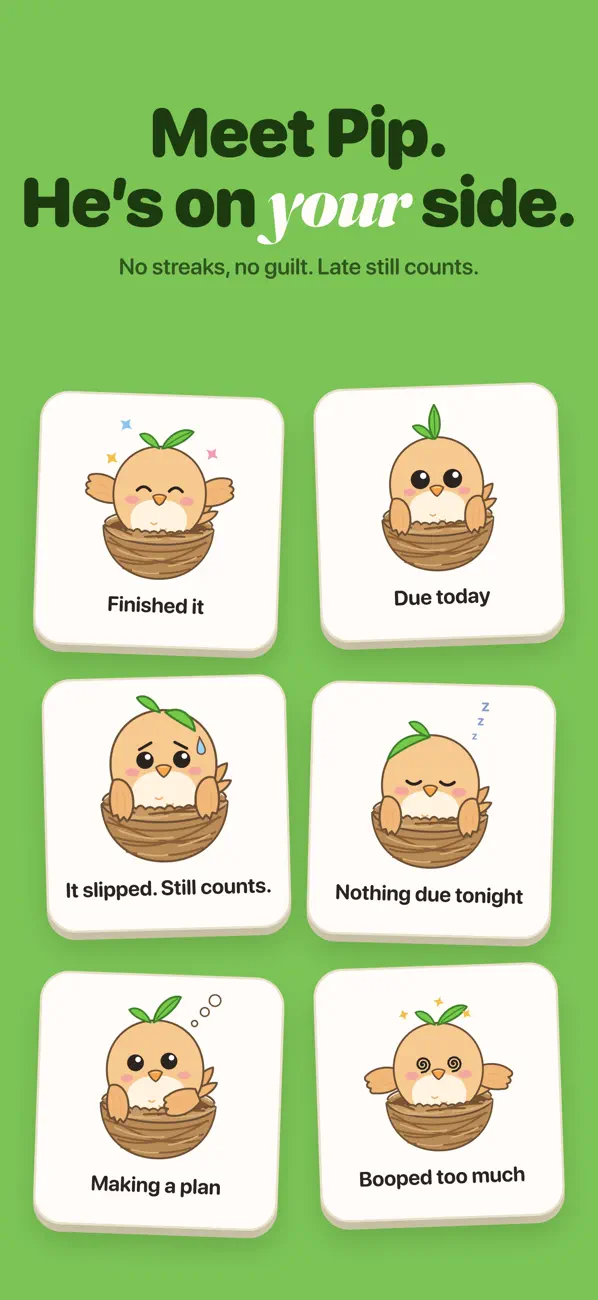
No streaks, no grades, no guilt. If something slips, Pip helps you send it anyway, and Mark all done clears an old backlog in one tap.
Nudge works fully without signing in, and your assignments stay on your phone. Sign in only to keep your school link for a new phone.
Free, with an optional upgrade
Early Bird is for getting ahead. It’s an auto-renewing subscription, monthly or yearly, and the yearly plan starts with a 1-month free trial.
Free forever
Optional subscription
Why Nudge exists
“I made Nudge after forgetting one assignment. It was on my Canvas list, but I needed a reminder before it was too late.”
A list only helps when you look at it. Nudge grew from that simple idea: tap students on the shoulder while there’s still time to do the work. Pip, the little bird in his nest, cheers when you finish something, naps when nothing’s due, and gets dizzy if you boop him too much.
Questions
Nudge (full name Nudge: Assignment Reminders) is a free iPhone and iPad app that brings every due date from your school’s learning platform into one list and reminds you before each deadline. It’s made by Baker Studios, an independent app studio in Barrington, Illinois, and its mascot is Pip, a small bird who lives in a nest on your windowsill.
Yes. Connecting your school, the due-date list, the live countdown and deadline reminders are free. Nudge Early Bird is an optional subscription that adds a morning brief, Plan it out for big assignments, earlier nudges, widgets and a Lock Screen countdown. The yearly plan starts with a 1-month free trial.
Canvas, Schoology, Blackboard, Brightspace (D2L), Moodle, Sakai, ManageBac, Veracross and Blackbaud (myschoolapp), plus any other school system that gives you a private calendar link (iCal, webcal or .ics). You can also add assignments yourself by typing them like a text.
No. Nudge never signs in to your school. It reads the same private calendar link your school gives you for Apple Calendar or Google Calendar, from your phone.
Not at the moment. School Google accounts usually hide the private calendar address that Nudge would need. You can still add Classroom work to Nudge by typing it in.
No. School calendar feeds share due dates, not submission status. Mark work done in Nudge after you hand it in; Mark all done clears an old backlog in one tap. Nothing you do in Nudge changes anything in your school’s platform.
You choose. “Just a heads-up” nudges 1 day and 2 hours before a deadline; “The day before” nudges 1 day, 3 hours and 1 hour before; Early Bird adds a nudge 2 days early. Deadlines due together share one nudge, and nothing arrives overnight: late-night nudges move to the evening before.
No. Nudge is available for iPhone and iPad (iOS and iPadOS 17 or later) on the App Store.
There are several unrelated apps named Nudge. This one is Nudge: Assignment Reminders by Baker Studios LLC: the homework and deadline app with Pip the bird. Its App Store ID is 6812403063.
Fact sheet
Nudge is on iPhone and iPad
Nudge is free on the App Store. Have a question or need help?
Get Nudge on the App Store Contact the Nudge team